Testing the Canon XF305 Camera

We got the opportunity to test out the brand new Canon XF305 camera. Now as most of you already know, I’m not a camera operator, I don’t claim to be a camera expert, but the reason why Canon asked me to test it out is because being an independent Post Production company, we have edited with footage from practically every camera on the market. So Canon really wanted me to look at the 305 from an image quality standpoint. For $8,000 I’m expecting an image to at the very least rival that of the Panasonic HVX-200.

During our initial meeting I was concerned because the reps told me the shooting format is 50 Mbps Long GOP, but I was assured that since it’s 4:2:2 color space, the image was outstanding. I will say I was VERY skeptical that MPEG-2 at 50 Mbps was going to look that good. We do a lot of work with the Panasonic 100Mbps P2 camera lineup and in particular, the HPX370 shooting the AVC-Intra codec.

So we took the camera out on a simple outdoor shoot to get some lead ins for a new pilot we’re producing. Here’s John setting up the camera before the shoot.
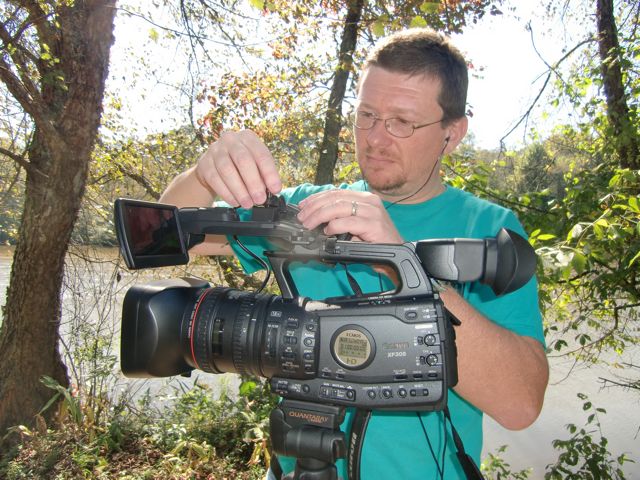
From this side of the camera it looks like what you would expect from a Canon camera, from the other side, it looks remarkably similar to the Panasonic HVX-200. Now as a camera, it has all the functions you would expect from a Pro / Prosumer camera in this range. Pro Audio connections, decent zoom controls, etc…. The LCD display on the front is pretty slick the way it tucks up out of the way when not in use. Controls were all well placed and functioned pretty well.

Well, except for the focus control. It has three settings which we didn’t realize. We thought it only had two and John was having a heck of a time focusing with the lens essentially in “consumer” mode so the focus ring was essentially free spinning. Very weird and we’re not sure why Canon would even offer that on what’s a “Pro” camera.
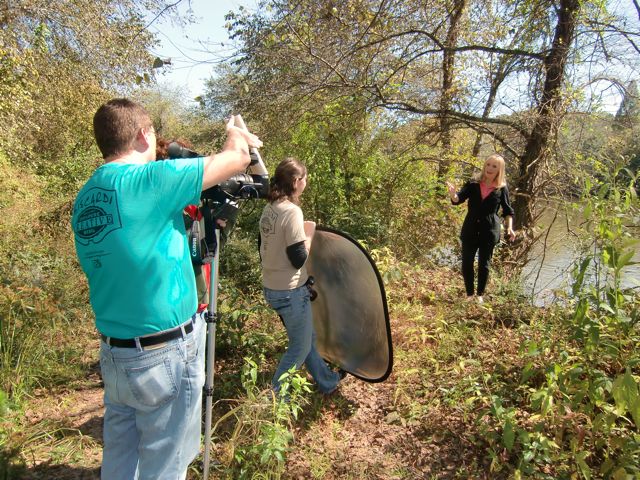
Sharon Collins standing near the river, Adrienne Latham holding the reflector and John at the camera. We used a mono-pod with the thing since it was so light and small, that actually worked pretty well. From a user standpoint, it’s pretty easy to use if you have experience using Pro cameras. But there was one very big “gotcha” that we could not quite figure out, nor could the Canon reps get us an answer by the time I’m typing this.

The first day we tested the camera it was set to a Tungsten setting on the internal menus. We didn’t realize this since the filters on the lens all looked normal, but there is an internal setting for outdoors, indoors, etc… and the camera was set for Tungsten lighting. What I would expect to happen in this situation is our color balance would be thrown off and it was. The resulting images were very golden.

But another very troubling issue also appeared. You can kind of see it in the image above, the image looks a bit fuzzy. There is compression noise all over the place. Here’s a detail of the above image.

This was weird quite honestly. We’ve shot with many cameras in the past and when you have the camera set up for the wrong type of lighting it throws the colors off but doesn’t automatically add a ton of compression. Especially when shooting outdoors where you have excellent lighting. If we were in a very low light situation we could totally understand all this noise, but we’re outside on a sunny day. All that mess in the blacks just would not go away no matter how much we adjusted the iris. When we switched the camera over to daylight lighting, the “mess” went away. The folks at Canon are trying to get an answer as to what caused this issue and if I get information, I will update this blog.

So once the camera was set up correctly, how did it look? Well it looked “ok.” It wasn’t bad, it wasn’t great, it was ok. The footage has what I call a “digital” look to it. It’s hard to quantify but it just doesn’t look as natural as an HD camera should. I think this is a result of the lower data rate of the codec. 4:2:2 color space is nice, but you’re squeezing that down into a 50Mbps that is half the data information as 100Mbps DVCPro HD/AVC-Intra codecs so something has to give.

So it’s an “ok” camera in my opinion from a quality standpoint. The real issue I have here is the price point. It’s $8,000 and has a fixed lens. Couple that with the 50Mbps quality, the camera costs about $3,000 more than the Panny HVX-200 yet records with half the data rate. For another $2,000 I can pick up the Panny HPX-370 which shoots AVC-Intra codec and has interchangeable lenses. So for $8,000 I expect to get a camera capable of producing a recorded image equal to the HVX-200 and pretty darn near the quality of the 370.

Note I said RECORDED quality. If you simply compare the digital image from each of the cameras via HD-SDI, you’ll find they all look similar and quite honestly the Canon 305 would make a nice, inexpensive studio camera. BUT, the proof of the pudding with any video camera is the recorded image. As we just tested the Panny 370 and we use footage from the HVX-200 all the time, I can tell you that the quality of the recorded image is inferior to both of those camera. It’s not horrible, but for $8000 I expect sharper resolution, less noise, and less artifacts in my image. For my money, I would rather spend the extra $2000 to get the higher resolution and interchangeable lenses of the Panny 370. Or save $3,000 to pick up the HVX-200.

I really REALLY like Canon’s lenses and I think this is an interesting move on their part to move into a “professional” camera product. In fact I plan to get some Canon lenses once we order our Panny 370. But I just think their choice of codec and particularly their pricing structure just misses the mark. Make an $8000 camera with interchangeable lenses and they might have something, and make it even better by switching to a 100 Mbps codec.

That’s my 2 cents looking at this camera from an image quality standpoint.
BCM_Construction_Days 127 & 128: Painting

It’s Days 127 and 128 on the construction of the new facility and we can finally see that the end of our journey is in sight. Still have at least another month before completion, but we can now see the entire place really taking shape. The drywall, sanding and priming was all completed this past week so Friday we all headed over to do some base painting. Then on Saturday I had a big group of 8 show up to really get us far into the painting. Lots of photos to share!

Here’s the kitchen primed and ready to go.

Conference Room primed and ready.

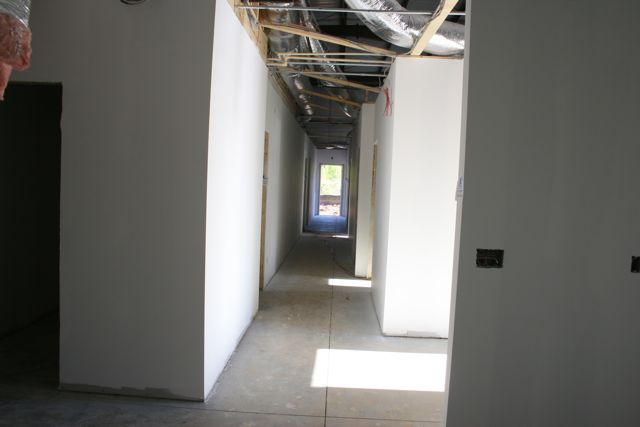
Looking down the front hall.

Jenny gets started in the Machine Room.

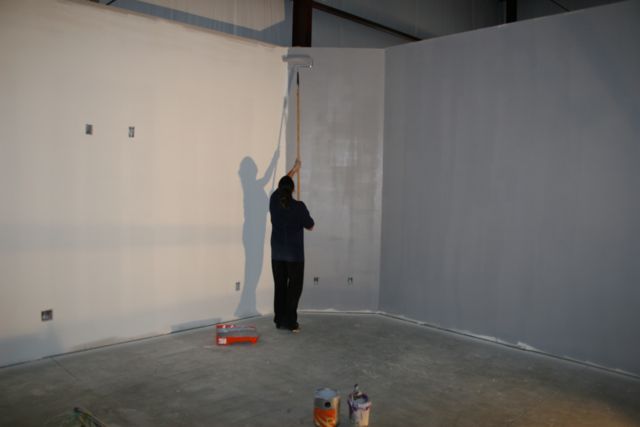
Adrienne and her shadow in the Media Library

Jenny getting the Screening Room. Yeah, those are 10′ walls in that room to allow the ceiling to slope from 10′ to 9′ as part of the sound tuning of that room.

Contractor Joe McCabe popped by to check on the progress of the painting and go over the doors. John is working the base coat in Edit 4.

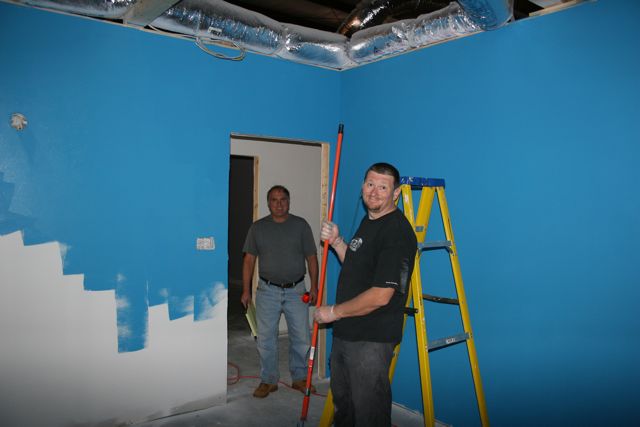
Jenny working the upper color in Edit 1. Every edit suite has a theme, that’s the way I’ve always done them in my facilities. The themes will be revealed as the painting continues…..

John working the bottom color in Edit 3. Part of my “Painting with Shadows” series.

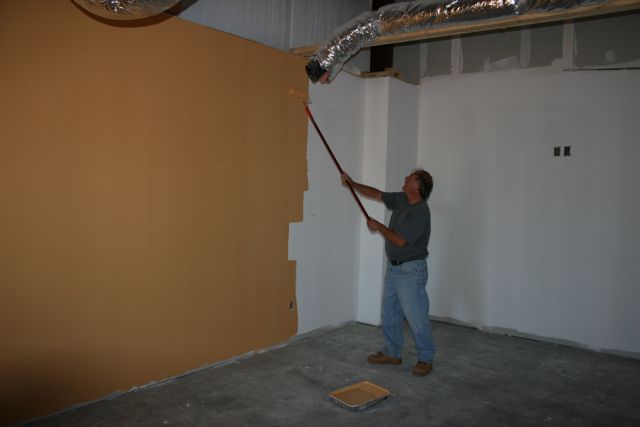
Adrienne working the second color in the Media Library. We made the library some nice natural, warm colors.

Joe working a base coat in the Conference Room. We’re planning to put corkboard all around this room to make it easy to hang storyboards and other planning materials for features, tv shows and projects in general.

We had plenty of the conference room color left over so Joe went into one of the bathrooms with it….

John getting the second color going in Edit 3.

On Saturday Rebecca joined in, here she is working on Edit 5.

Base coat down on my office. We’re recreating the Wally World theme of my current edit suite, but I’m taking that theme into my office this time.

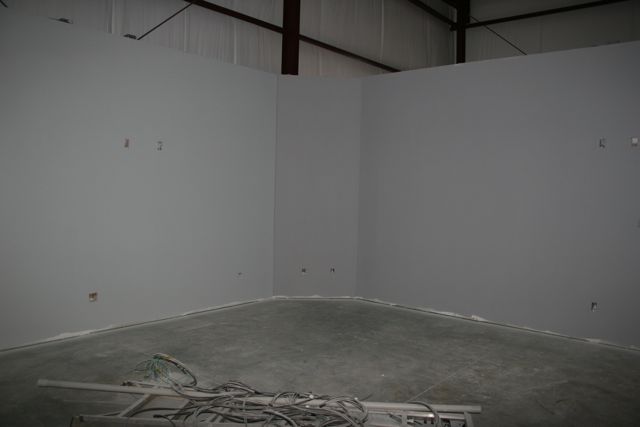
Edit 3 with the famous “18% Grey Wall” in the front. While we’re having fun with all the themes, we are still creating professional edit suites and to that end, the front wall of each room is a standard 18% grey to allow a neutral field of view for all the monitors. You want this neutral color so that your eyes properly see the colors on the screens.

Screening room completed with the base coat. On the left side of the picture is the 18% grey wall which is the front of the room.
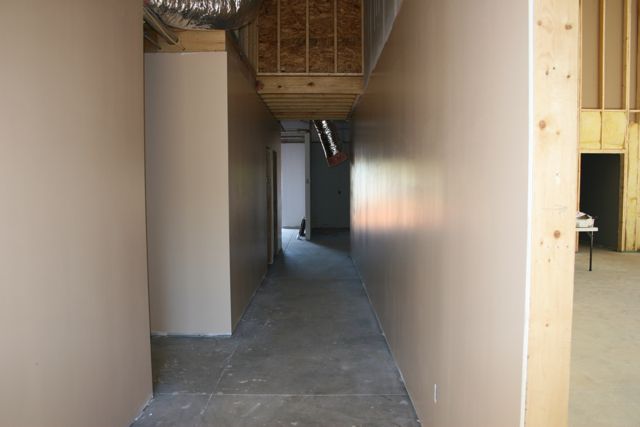
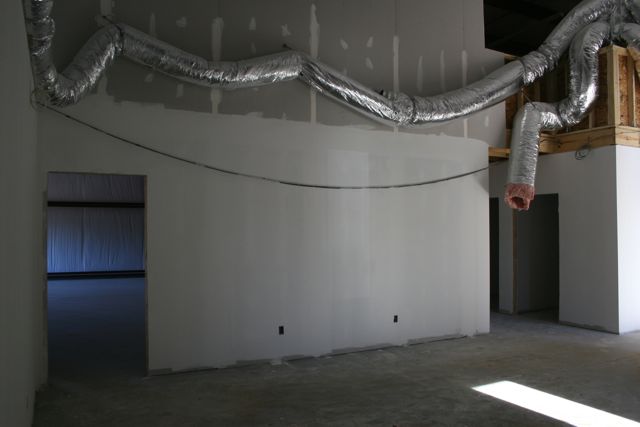
Looking down the side hallway. The hallways area all a natural sand / almond type of color. Will go great with the flooring.

The kitchen from almost the same angle as before. Might be hard to tell, but the kitchen does have a light grey now and you can see the sand / almond color out in the hallway.

Looking down the front hallway as Rebecca surveys 2 days of awesome work by everyone who helped out!

Somehow we did not take out the camera while everyone was there on Saturday. No clue how that happened. But we need to thank Roger Mahr, Tyler Mahr, Chris Tompkins, Randy Lockey, Heather Lockey and Quinn Lockey for coming out on Saturday and really helping us out. We only have three rooms left with no paint on them and we never could have gotten that far without their help and of course my incredible team of John, Adrienne and Jenny! Now we have a little bit more base coat left and then on to detail work, floors and ceiling!

BCM_Construction_Day 118: Wow!

Ok, it’s been over a week since the last update on construction because it’s been a lot of little things. Some minor framing tweaks, a LOT of electrical run and the insulation. But today….. WOW! Huge changes in just 10 hours.

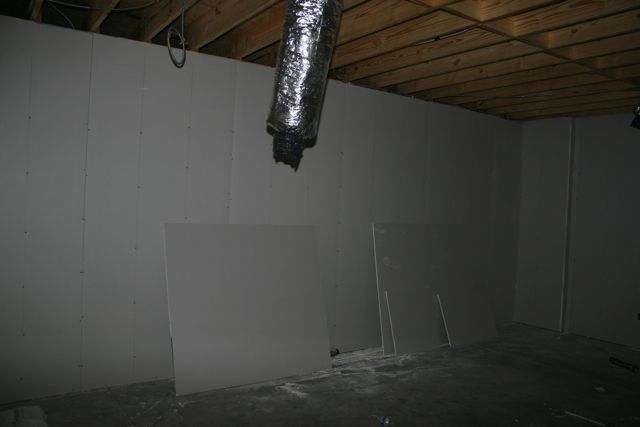
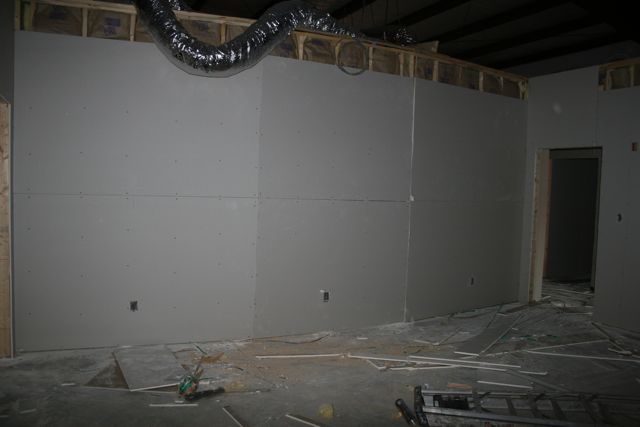
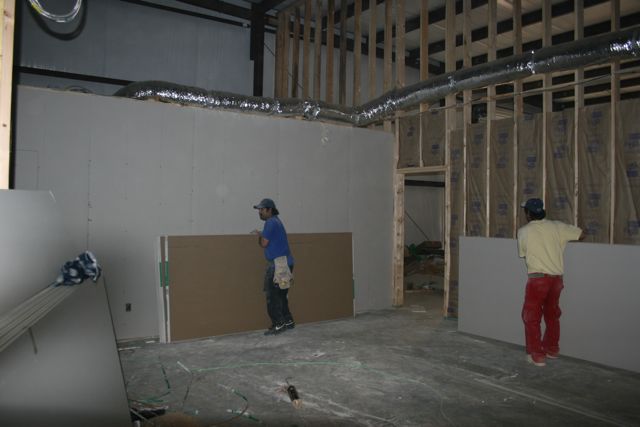
Today was drywall day. As in 4800 square feet of drywall hung up in ONE day! By 6 men! Unbelieveable! I showed up around 6pm and this wall in the kitchen was one of the last waiting for drywall

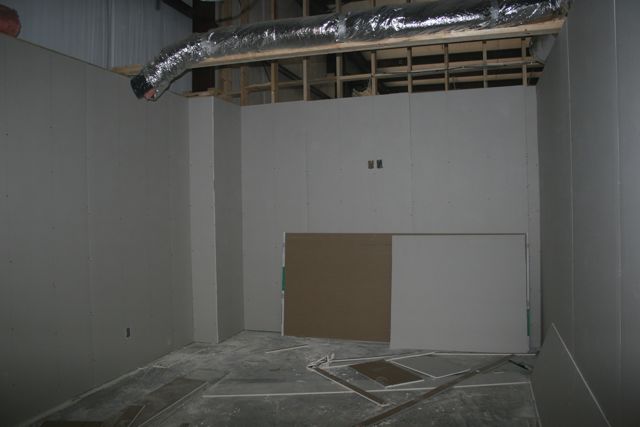
The new Media Library.

Back of the Machine Room. On the other side of the corner is where the VO Booth is.

Screening Room is REALLY starting to look good.

The back wall of the Screening Room showing how it’s angled to help with sound reflection.

Cleanup on Aisle 6!

Kitchen wall is finished in under 5 minutes….

The new 12 foot x 20 foot Conference Room. Boy do we need this room in a hurry! Lots of planning to do.

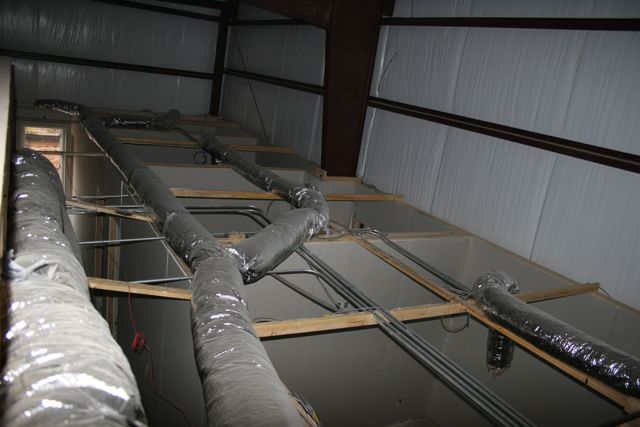
Neat shot from the 2nd floor looking down on a few of the offices.

Contractor Joe McCabe up on the 2nd floor admiring the handiwork of his team. He’s simply the best contractor I’ve ever met and worked with.

Meanwhile outside… forms are all set for the concrete curbs and sidewalks. Sidewalks will be poured tomorrow!

So to recap…. 7am this morning, no drywall on the walls. 7pm tonight, Drywall fully hung on all the 4800 square feet of walls. WOW! These guys are good. I’d be happy to get a single 10 x 10 room done in one day! More tomorrow!

When did Editors become prima donnas?

Two weeks ago “30 Rock” had a story arc involving the video editors of the show and how scary it was to go down to them. They controlled the video and you didn’t want to piss them off or else you might not get your stories cut. Over the top humor that I love about 30 Rock and really made me laugh. And then it made me think, “Editors aren’t really prima donnas, are we?”

And then a few days later yet another Final Cut Pro rumor came out including a nugget that Apple might be considering some sort of “super app” that combines Final Cut Pro, Motion, Soundtrack Pro, Color and DVD Studio Pro into one interface. So this re-ignited some worn out comments about the shortcomings of Final Cut Pro, some of the studio elements and the interfaces. Don’t get me wrong, there are plenty of legitimate things Apple really needs to get better with FCP and the Studio suite. Their Beta program is numero uno. At one point it was as small as 10 people outside of Apple. Yeah, that’s a lot of input for a product with over 1 million registered users. But I digress.

What really gets me are the whiners about having to learn something new. When did Editors become such prima donnas that they can’t be bothered to learn anything new? Interface. Software. Hardware. Whatever it is. If it doesn’t conform to THEIR workflow or THEIR needs, well then

“Apple/Avid/Adobe/Quantel/Sony/Panasonic/FillInTheBlank better get off their ass and fix it to suit MY needs! Or Else I’m Going To Buy Something Else!!!! Thbbbbbbbbbbbt!

I love these people. Whiners. Too important to learn. This is my favorite for the folks who use the Apple Studio suite.

“Waaaaaaaahh. Apple Color doesn’t have an interface like anything else on Apple. It’s too hard. Waaaaaaaah”

Really? Because something looks different, you can’t be bothered to learn how to use an interface? Nevermind that Final Touch now Color has an interface that was designed with colorists. Now that it’s included in Final Cut Studio suite, Apple MUST bend to the demand of the video editors who say “Make this look like iMovie so I can use it with a single click. I cannot be bothered to learn something new! Waaaaaaaaaaaah”

Maybe there is something about whiny prima donna editors after all. New tools, different interfaces, the video editor of today simply can’t be bothered?

How about a quick history lesson?

I know it’s hard to believe, but I’ve been editing video since 1984. I know, I know, you look at my pictures and you say, he can’t be that old! I mean he looks like he just got out of college. It’s my Italian genes, what can I say. So in 1984, we were using JVC 3/4″ VTRs in community college. You edited using two decks, a Player and a Recorder. If I wanted to do a dissolve, wipe or any other “effect” well then I had to learn to use the switcher and do some fancy footwork. I had to set the main recorder into the Edit, then manually roll the B-Roll VTR, turn around to the other side of the room and operate the switcher.

At CNN all the editors did deck to deck editing, but if you wanted to move up to “Post Production” well you had to learn the Grass Valley 300 switcher, Abekas A53 DVE, Sony Audio Mixer, Chyron, BetaSP VTRs, D2 VTRs, and the CMX controller that controlled everything. And guess what? NOTHING had a similar interface or was tailored to the whims of the Editor. If you wanted to be an Editor controlling that room, well you HAD to learn each piece of equipment and how it tied into every other piece of equipment. Then you had to learn the main controller and how you would trigger each piece of equipment to do what you needed at the precise moment you needed it to happen.

So now we have $999 software tools that completely replace the “big iron” editing systems of yesteryear and if something simply doesn’t conform to WHAT I ALREADY KNOW well then it must be a piece of crap and therefore Apple/Adobe/Avid/Quantel/InsertManufacturerHere damn well better get off their ass and completely re-write the software SO THAT I AM HAPPY.

In fact, many editors of today want one big super app so they don’t have to be bothered “round-tripping” to an external app. Nevermind that these external apps have been designed to do their own tasks very very well, they would rather have every feature under the sun in one app so it does absolutely everything, but can’t possibly do everything very well.

Furthermore, many editors want pretty much everything automated because editing takes so darn long. On the Creative Cow alone, people have asked for essentially automated logging so they don’t have to watch all the footage. It’s called editing people, if you don’t want to invest the time to do this correctly, when why are you in this field to begin with?

Or how about these people?

I MUST HAVE BLU-RAY COMPATIBILITY NOW! Apple do you hear me? I MUST have a BluRay solution from Apple NOW!

So when I suggest to folks that they can purchase Adobe Encore for simple BluRay discs and DoStudio from NetBlender for fully authored discs, the response is usually they can’t do that and will wait for Apple, or else. Or in other words, “I don’t want to spend any more money so I would rather bitch about Apple not delivering what I really need and it’s much much cheaper to just keep whining about it when a perfectly good solution for BluRay authoring on the Mac has been available for over four years now but since it’s not from Apple I’m not going to buy it because that would cost me more money and I’m not going to spend anymore money.

The same can be said of so many “issues” we see floating around the internet against just about any Non-Linear Editing system out there. People who want to whine rather than get the proper tools, learn to properly use the tools they already have, and keep whining about how much they have to spend to create quality work. The cheaper and more accessible the tools become, the more whining we seem to get.

Is this really what the non-linear editor of today has become? Looking at the Creative Cow forums, talking to folks offline, perusing Twitter, Facebook and many other websites / forums, the resounding answer is….. well looking like a big Yes. So many editors are too damn lazy to learn anything new, everything has to look and operate exactly the same or they won’t touch it. Everything needs to be reduced to a plug-in so I can create that “300 look” with a single click of a mouse.

To all non-linear editors out there. Appreciate the fact that on your PC and Mac, you have more tools and power at your disposal than an entire “big iron” edit suite ever had at a fraction of the cost of those suites. Instead of whining about what you DON’T have, starting using what you DO have creatively. For crying out loud LEARN SOMETHING NEW for a change. If nothing else, it puts you at a competitive advantage over all the other whiners who can’t be bothered.

BCM_Construction_Day 109: More Cables & Molly Visits!

This past week has been pretty much full of cables, cables and a tennis ball. At this point the building has been inspected and is ready for “cover up.” That means we’re ready to have the insulation and drywall installed. So by the end of this coming week, we will no longer be able to see through all the walls…..

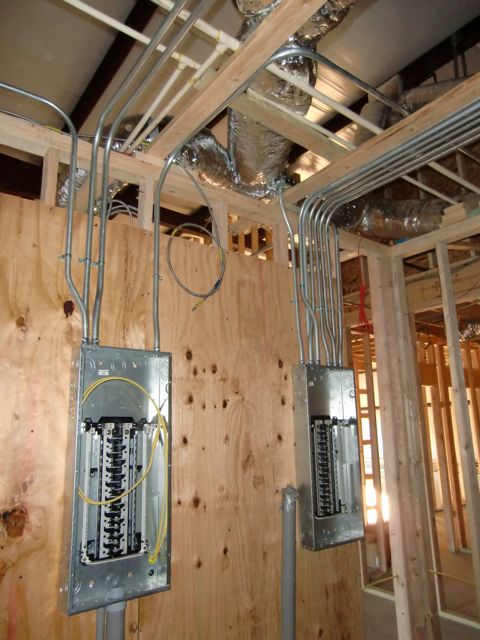
Electrical panels have been hung and preliminary wiring is in place. We have two panels right now because one will have a second feed from the backup generator in case of a power outage. If the power goes out, in approx. 30 seconds, the generator will kick on and that panel on the left will switch over to that for power. We’re starting out with a generator that will keep four edit suites, the machine room and the screening room all on during an outage. As we grow we will either get a larger generator or simply add a second one.

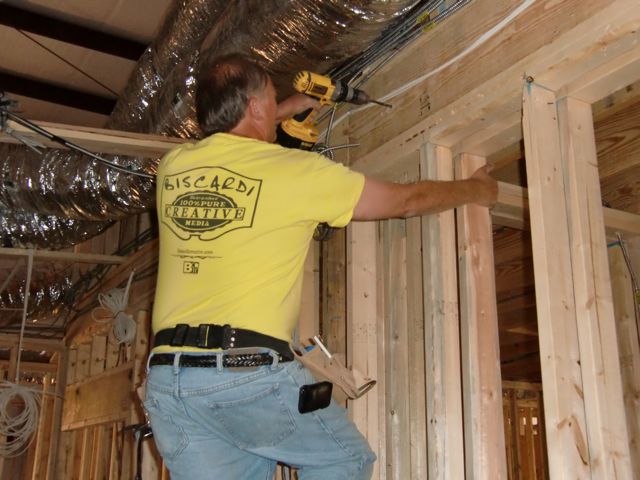
Contractor Joe McCabe wearing one of the most stylish construction shirts I’ve ever seen! Here he’s drilling through the back of the machine room into the VO Booth so we can run some audio cables.

Network and A/V cables come together in the machine room. All the grey cables are Cat6 for running our keyboards / monitors remotely. All the Mac Pros will sit in the machine room and they will be connected to Gefen remote Cat6 boxes and in each edit suite, the DVI monitors and keyboards will be connected via the Gefen receive boxes. We can put the Mac Pros up to 200 feet away using these boxes.

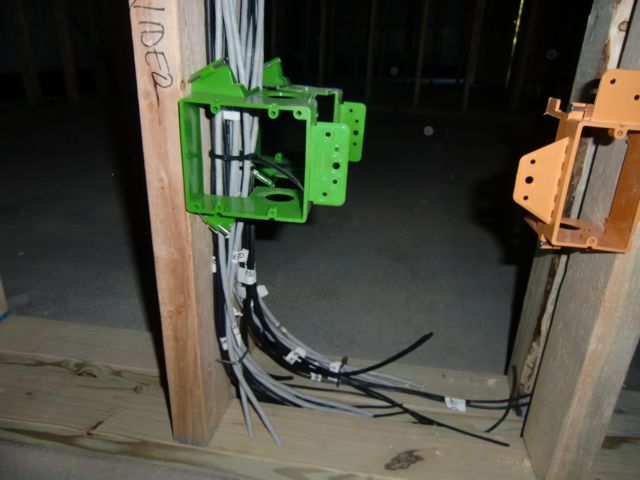
Low voltage boxes in Edits 3 & 4 I believe. These are the end runs for all the cables coming into the rooms. I designed the rooms as much as possible so they would face each other resulting in easy cable runs. We pulled two cable bundles to essentially the same place. The orange boxes on the right are for future expansion if necessary. Really easy to add stuff like that now while there’s nothing on the walls.

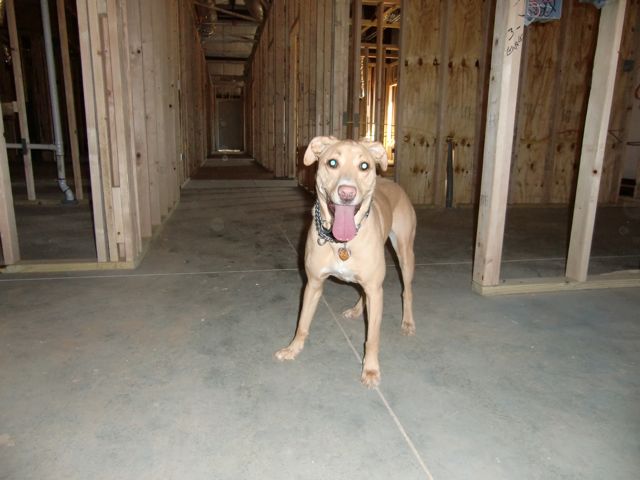
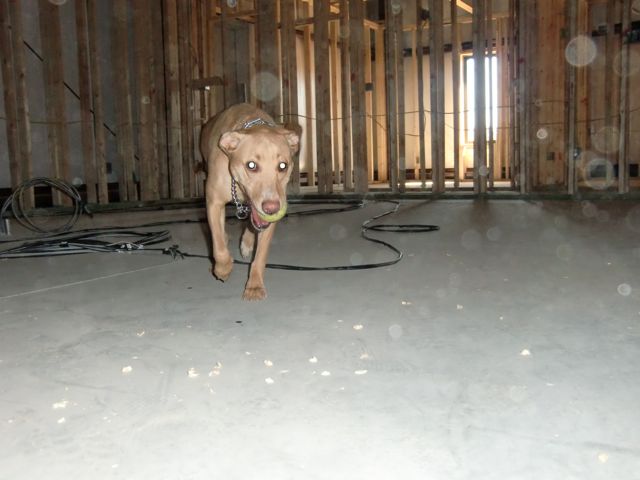
Molly comes for her first visit to the new building! The last time she was here it was just raw dirt. Wonder what she’s waiting for…..

Ah, that explains it! A nice new tennis ball. One really nice feature of the new building… long 60′ hallways. And 80′ from the kitchen wall all the way to that door at the end of the hallway. Now we’ll be able to burn off some of her energy no matter what the weather is doing outside.

Daddy, you need to clean your lens. She’s checking out the new screening room.

And there we are, the happy entrepreneurs wondering what the heck we’ve gotten ourselves into this time. If you want to be a successful business owner, get yourself a good partner. And I don’t mean a financial partner, I mean a GOOD partner who will support you no matter what. I have the best partner I could ever ask for. More soon!

Small Tree ST-RAID Mobile testing completed

Well we’re finished testing the Small Tree ST-RAID Mobile box. We only had it running for about 10 or 11 days in production and in that time, all was well Some permissions issues that need to be worked out, but nothing that affected production.

Overall the concept is great. Obviously with this short of a test, there’s no way for me to know how it will hold up when you really start hammering on the RAID like we do our Maxx Digital Final Share SAN. We only had material on 2 of the 4 virtual partitions and barely enough media on there to put a dent in the 32TB available. We only had 3 users accessing the unit at any one time so we never did get to test out 6 or 7 workstations all pulling from the data at the same time.

So the verdict is… well I don’t really have a verdict yet. The box really needs to be hammered and abused for a few months before we’ll really know how it compares to the Final Share SAN. That system has had its ups and downs but overall has been very solid in over 2 years of just being hammered by our production schedule and huge documentary projects.

I look forward to seeing how other users report on the ST-RAID Mobile when it rolls out to the public later in October.

BCM_Construction_Days 101 & 102: Pullin’ cable

Now that the electrician, HVAC and plumbers have done all their rough in work, we brought in 11,000 feet of video, audio and network cable to run through to all the suites. We’re doing all this initial work ourselves and Bob Zelin will come on up here towards the end to add all the connectors and label everything up. Per Bob, we ordered everything direct from GEPCO cables in Chicago, prices are much lower than anything from Belden and Canare these days. Ordered the cables on Monday, they were here on Wednesday!

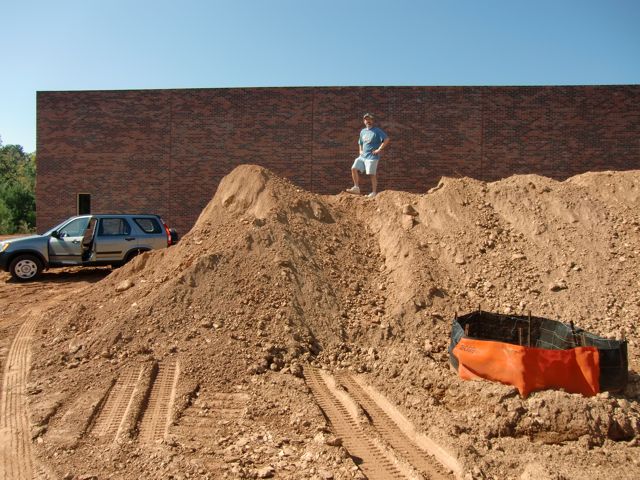
While we were working inside, the front end loader was taking down the dirt outside in preparation for the parking lot.

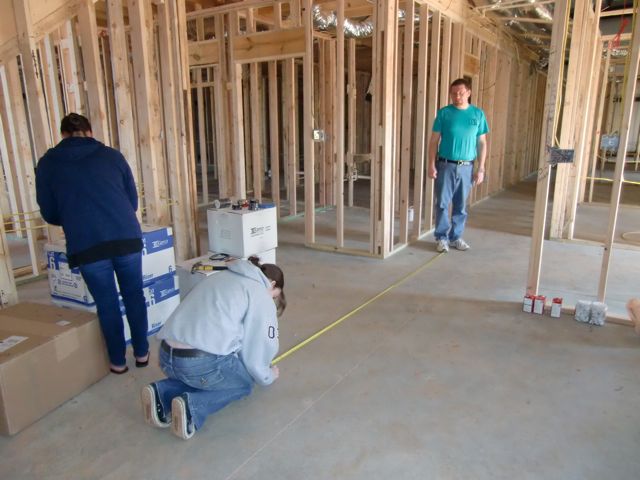
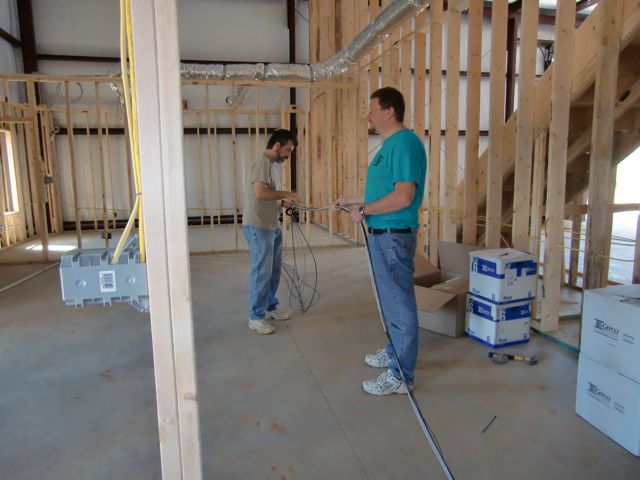
John and Adrienne mark the floor in 10′ increments to make it easy to pull the lengths of cable. Yeah, we could use a cable counter, but we don’t have one, so we’re going old school. One of the advantages of a 100′ building. LONG hallways!

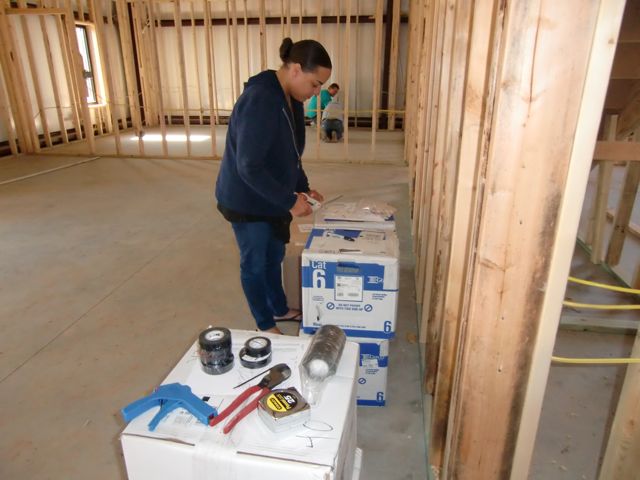
Jenny organizing all the labels in the kitchen.

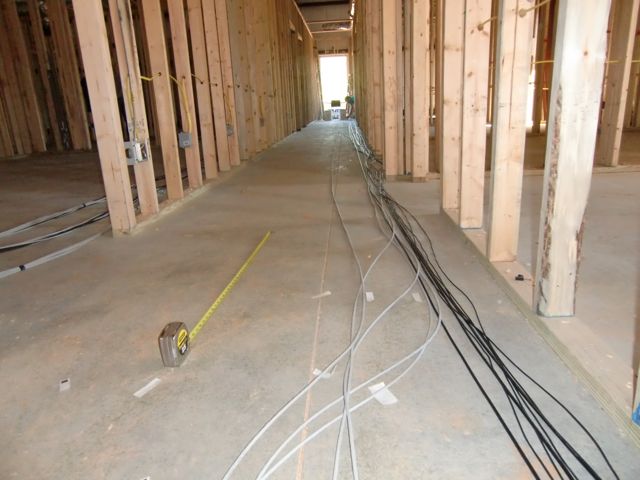
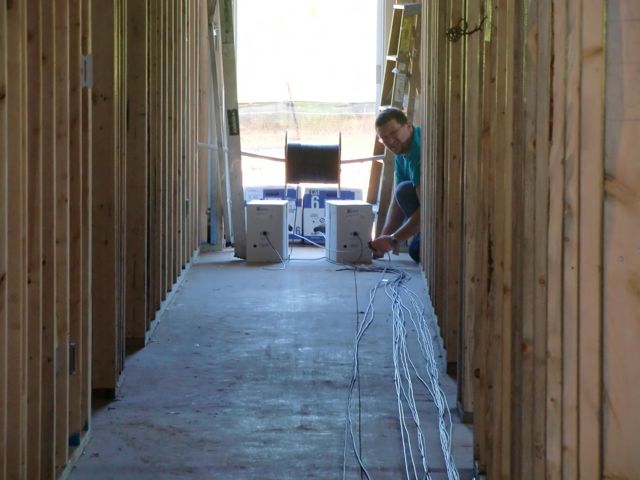
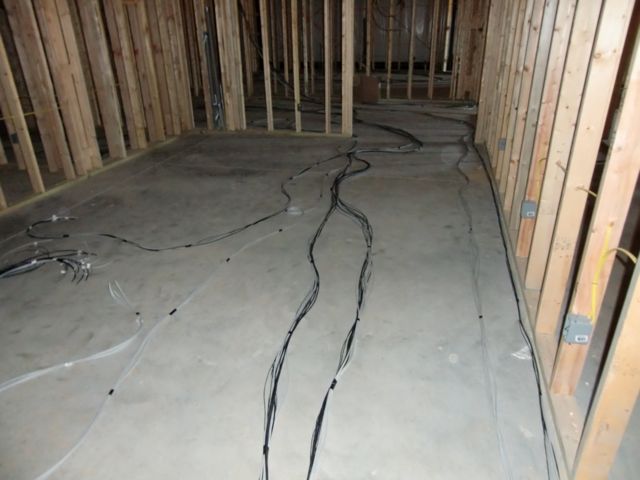
Video, Audio and network cable stretched down the hallway with John manning the boxes at the end of the hall. We used string initially to figure out all the cable runs by simply running the string exactly as we wanted to run the cables, and then just measure the string. Very simple, very low tech and very accurate.

John hanging out with rolls of cable. You like that pvc pipe support for the video spool? Yeah, it held up well enough….

Me and John pulling the longest cable runs out to the Conference Room. These are 95′ long.

Adrienne gathering up some labels in the kitchen.

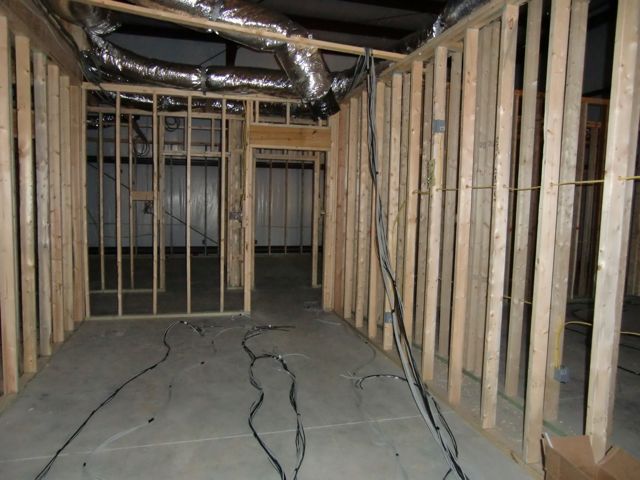
Runs of cable ready and waiting in the Media Library to be pulled up through the ceiling. All edit suites got 2 video, 4 audio and 6 network cables.

Cable runs from Edit Suites 4 and 5 hanging down from the ceiling and you can see some of the serious air conditioning ducts that will feed into that room.

Remember that front end loader out front? I thought he was going to make the parking lot lower. Um, apparently this will be the VIP parking for my four wheel drive clients……

Foul Water Doc garners 5 honors in LA!

Today we received word that Foul Water, Fiery Serpent was honored with 5 awards at the Los Angeles Reel Film Festival! Wow! We are truly humbled by the recognition for the entire team!

Foul Water was honored with the following awards:

Feature Documentary: 1st Place.

Best Director: Gary Strieker

Best Score / Soundtrack: Patrick Belden

Best Voice Over: Sigourney Weaver

Best Documentary Concept

We’re especially excited for Patrick Belden. He not only did the score for the film, but created all the original music. I first met Patrick when working on “Good Eats with Alton Brown” and he’s been a tremendous asset to the BCM team. I’m very happy that his work was recognized at the festival.

And this is just the beginning. The second global health documentary, “Dark Forest Black Fly” is currently in post. More soon!

Huzzah to the entire production team!!!

Bowling Day at BCM!!

Every Friday I like to either take the staff out to lunch or order lunch in for everybody. It just makes it fun and this week, we went bowling! Yes, we finally put the Wii-motes down and traded them in for the real 14lb bowling balls in a real live bowling alley. Wait, scratch that, they are now bowling entertainment centers.

The folks at Oasis Bowl in Buford really made us feel at home and we walked right into their “Midday Madness” time. There were colored pins that came down at random during the bowling and depending on where the pins lined up, we could win a quarter to $10. We ended up winning $6.50 for our two hours there.

So treat your staff to some fun once in a while, it does the entire team some good to get out and laugh. And to show you just how awesome my team is, they let me win all three games. Do I know how to hire them or what?!

BCM_Construction_Days 93 & 94: Interior flying!

Can’t believe how quickly things move along when you have folks who really know what they’re doing. Last week was a flurry of interior activity with rough plumbing, electrical and HVAC all happening simultaneously. They went so fast, now I’m the holdup for the next step. We need to get all our A/V cable in here so we can pull it through the shop before they cover up the walls….

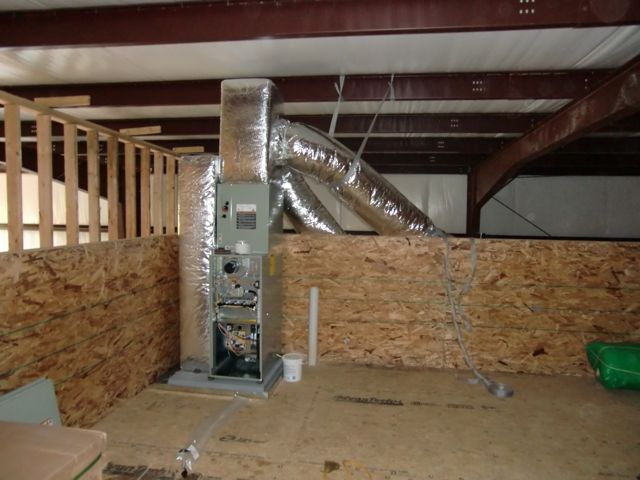
One of three HVAC units going into the shop. We’ll have one dedicated just to the machine room. These are being installed up above the main level and the units themselves are sitting on rubber / cork feet to minimize the vibration caused by the units so we don’t get any additional noise down below.

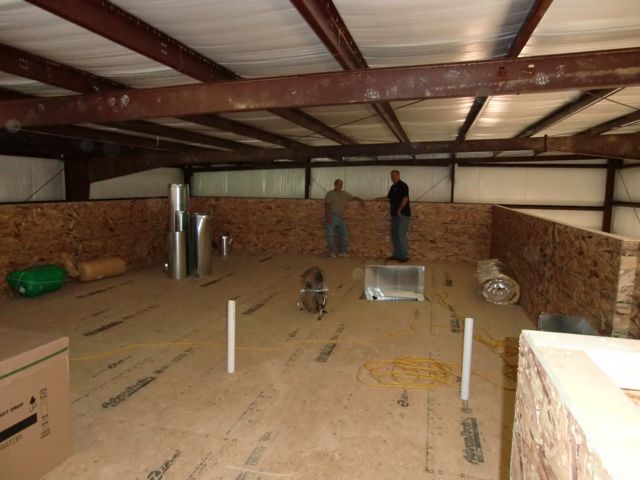
Contractor Joe McCabe and editor Roger Mahr standing at the end of the “upstairs” area where the HVAC units will be located. This entire space will also be useful as a storage area.

There’s Chuck from Chuck’s Plumbing working on the kitchen sink. You last saw him running the dirt mover before they poured the slab. He and his team are doing an awesome job with everything.

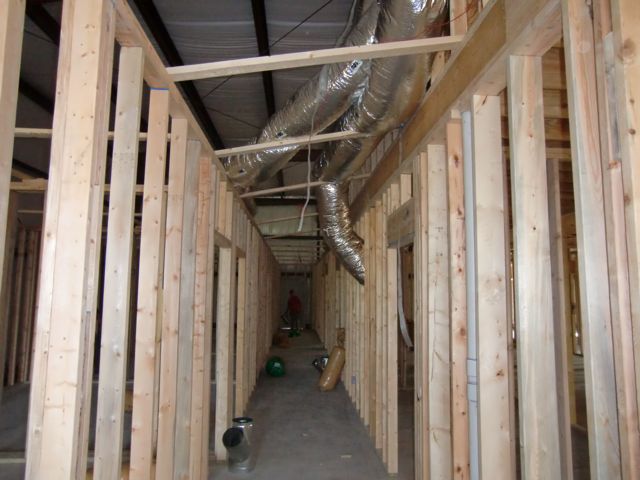
Some of the HVAC running down the halls. I really like how efficiently they are doing the runs. They put two units on either side of the building so the air flows the shortest distance to where it needs to be.

SEPTEMBER 24

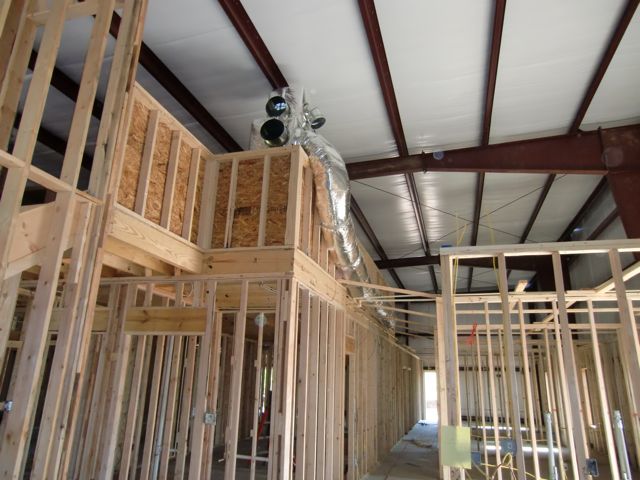
A look at HVAC unit number 2. As I noted previously, the two main units are located on either side of the building so they will work most efficiently.

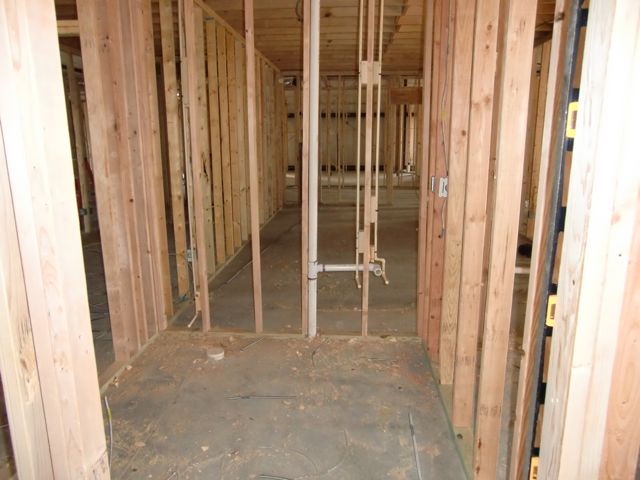
One of the bathrooms completed and ready for insulation and drywall.

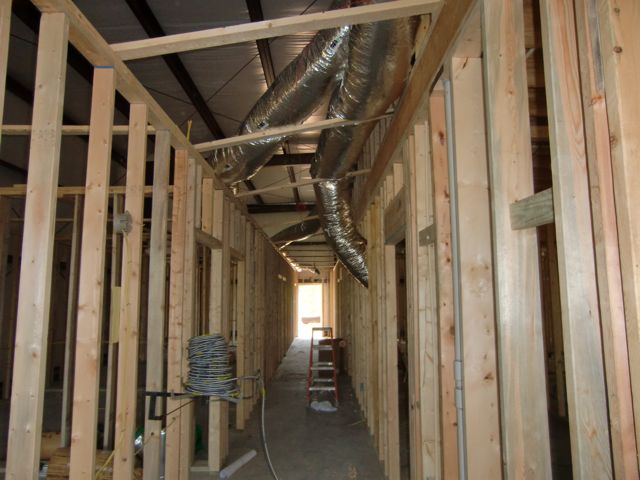
There’s one of the spools of electrical wire on the left with more HVAC dropping down from above looking down one of the edit hallways.

Rough electrical in one of the edit suites. Each room will have a pair of wall sconces, a pair of overhead cans in the back of the room and a ceiling fan. I actually love doing electrical work myself, but a job this big, it’s easier to leave it to the folks who do this for a living.

Next up, leveling the parking lot, running the A/V cables and then on to insulation and drywall…..